Share everything from one place
One short link holds your music, videos, products and socials, so you never have to choose what to link.
A link in bio is the one clickable link on your social media profile. A link-in-bio page turns it into a small website with all your links: your music, videos, shop, socials and contact, at yuzu.bio/yourname. Here’s what to put in it and how to add it on every app.
By the Yuzu.bio team · Last updated
Free forever plan · No card needed · Live in about a minute
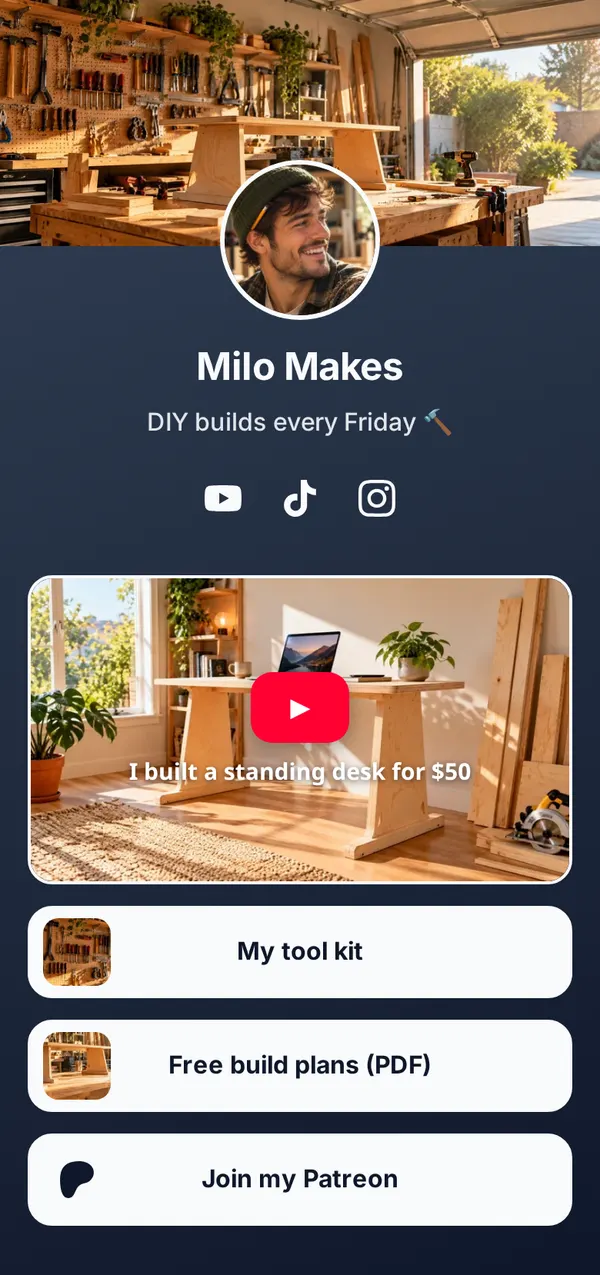
Instagram and TikTok don’t let you put clickable links in posts or captions. So creators say “link in bio”: tap the link on my profile. Most apps give you one link there (Instagram up to 5, YouTube up to 14), and you can’t fit everything you do in it.
A link-in-bio page solves that. Your profile link opens a page you design yourself, with your latest release, your shop, your videos, your socials and a way to reach you, so followers find everything in one tap. Change the page and every profile that points to it is up to date.
One short link holds your music, videos, products and socials, so you never have to choose what to link.
Swap this week’s link on your page and every profile that points to it is up to date. No more editing ten bios.
Views, clicks and where visitors come from tell you what’s working, so your best stuff goes first.
The links that get tapped most. Pick the ones that fit you, and keep the list short.
Real-looking pages for a singer, a café and a fitness coach. Tap one to see why it works.
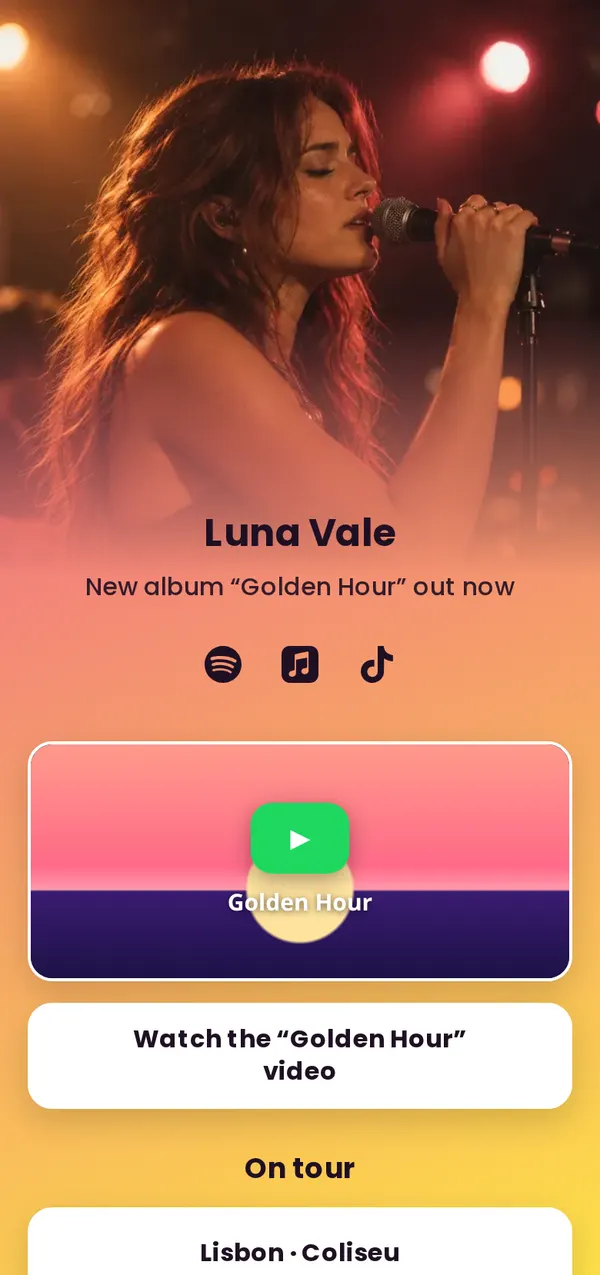
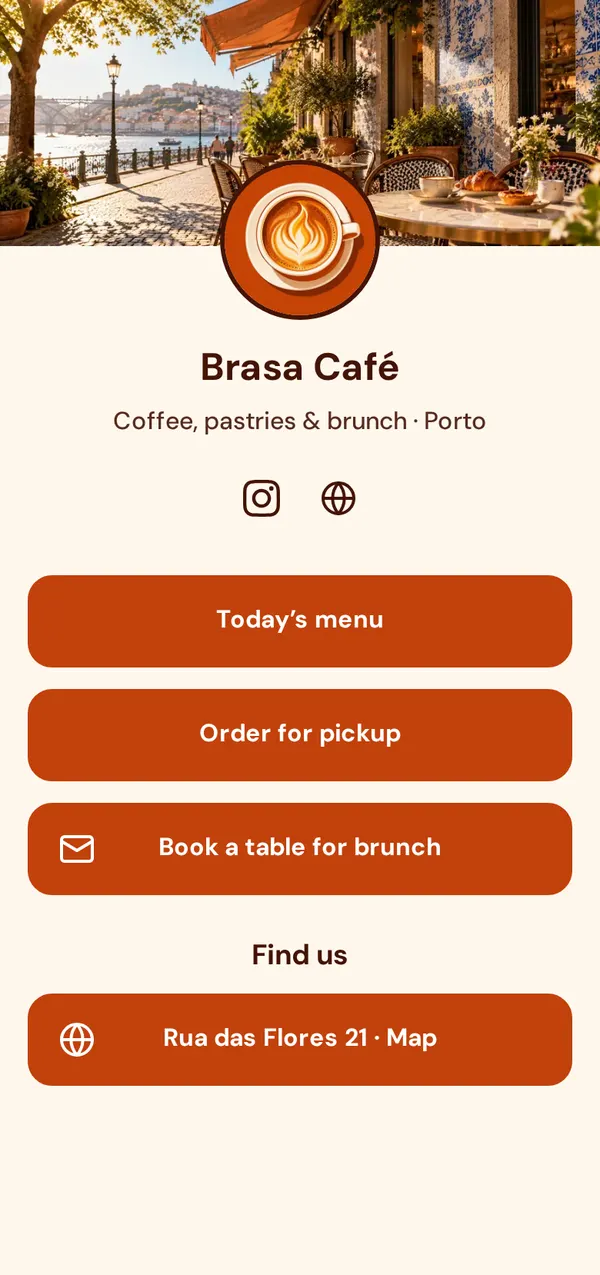
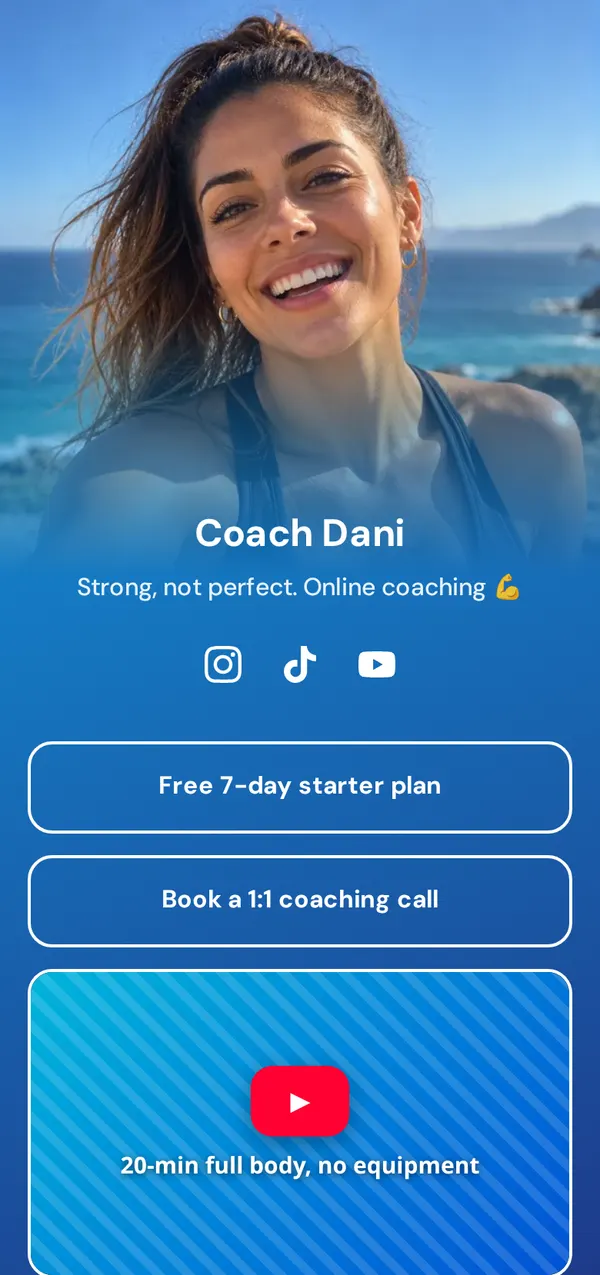
See all 16 examples for creators, musicians, shops and more. Making music? Here’s a link in bio for musicians.
Pick yuzu.bio/yourname. It takes ten seconds and it’s free.
Paste your most important links. We add the right icon for each one.
Choose a theme, then tweak colors, fonts and buttons.
Your page is live from the start. Copy your link or download your QR code.
Add it to Instagram, TikTok, YouTube and everywhere else (see below).
Where the link goes on the apps your fans use, and how many links each one allows. Menus change now and then, but it’s always somewhere in Edit profile.
You can add up to 5 links. Your profile shows the first one, so put your yuzu.bio link first.
No Website field? TikTok shows it on personal accounts with 1,000+ followers and on business accounts; it can vary by country. A link typed in your bio text can’t be tapped.
Up to 14 links. The first one shows next to your channel name, so make it your yuzu.bio page.
Up to 5 links, like Instagram.
One website link, shown under your bio.
Pages can also point their action button to your link.
It shows when people open your contact info.
A business account (free) can also claim a website it owns.
Only public profiles have a website field.
There’s no website field, but a link in your description can be tapped.
Start from one of 38 themes, then change the colors, fonts, buttons and background. Music and video play right on the page. See all features.
It means “tap the link in my profile”. Most social apps only let you put one clickable link on your profile, so creators point to it from their posts and videos.
A service like Yuzu.bio that gives you one short link to a mobile page holding all your links: your music, videos, shop, socials and contact. You put that one link in every profile.
Yes. You can claim your name and build your page for free, with up to 10 links, 5 themes, social icons, a QR code and stats. Pro adds more for $9 a month.
Yes, that’s the point. Put yuzu.bio/yourname everywhere. When you change a link on your page, it’s updated for every profile at once.
Start with the one thing you want people to do this week (a new song, a video, a drop), then your other key links, your social icons and a way to contact you. Five to seven links is plenty.
Yes. You see views, clicks and click rate for your page and each link, plus where visitors come from. We do it without cookies on your page.
Yes. Shops, cafés, coaches and studios use one to share their menu, booking link, shop and socials from a single link that never goes out of date.
Yes. Download your QR code from the dashboard and print it. Scanning it opens your page.
Up to 5. Your profile shows the first one and the rest behind a tap. A link-in-bio page lets you share many more from that first link.
TikTok only shows the Website field on some accounts: usually personal accounts with 1,000 followers or more, or business accounts. It can vary by country. Until you have it, a link typed in your bio text can’t be tapped.
Set up your page in under a minute.